bytemail FAQ (2026)
Is Thunderbird worth it? For a lot of people, yes. It is free, open source, stores mail locally and runs on Windows, macOS and Linux. If you live on a Mac, the better question is whether a native Mac client would suit you more. bytemail is a native macOS email client built in Swift for Mac users who want speed and privacy. Here are straight answers, with no hype.
One honest note before we start. At the time of writing, bytemail is pre-launch and collecting waitlist sign-ups. This page makes no claims about reviews, user counts or benchmarks, because there is nothing honest to report yet.
Is bytemail worth it for Mac users?
bytemail is worth it if you run macOS 14 or later, juggle several email accounts and want native speed and privacy. If you switch between Windows, Linux and Mac, or you want a free open-source client, Thunderbird is still a fine choice.
Let's break down the Thunderbird side first, since it is the question most people search.
Is Thunderbird worth it for Mac?
Thunderbird is worth it if you want a free, open-source, cross-platform client with local storage and deep customisation. Mac users who care most about a native feel and Apple Silicon optimisation may prefer a native client. Mozilla's Thunderbird site describes the project and its downloads.
So is Thunderbird good? Plenty of people think so, and the free price and long track record explain why. Is Thunderbird safe? I can't vouch for that here. Mozilla publishes the project openly, so read its site and documentation and judge for yourself. The same goes for the question of whether Thunderbird is better than Outlook. That depends on your accounts, your platform and how much you rely on Microsoft's ecosystem, so test both against your own mailboxes.
What does Reddit say about Thunderbird?
If you search "is Thunderbird worth it Reddit" or browse Trustpilot, the complaints are consistent. Users mention search that feels clumsy, a dated look and a fiddly setup. Long-time fans like that it barely changes. Both views are fair. The Thunderbird team says in its own Thunderbird 2025 Review that setup, syncing and Exchange support have improved, so your experience may be better than older threads suggest.
Use this quick check to decide:
| Your situation | Better fit |
|---|---|
| You use Windows or Linux as well as Mac | Thunderbird |
| You want a free, open-source client | Thunderbird |
| You like deep customisation and add-ons | Thunderbird |
| You use only Mac, on macOS 14 or later | bytemail |
| You want a client built specifically for Apple Silicon | bytemail |
| You want a unified inbox with no bundled browser engine | bytemail |
Weighing several apps? Our guide to a Thunderbird alternative for Mac compares the field. We also cover Spark, Mimestream, Airmail and Canary Mail alternatives.
bytemail vs Thunderbird at a glance
| bytemail | Thunderbird | |
|---|---|---|
| Platforms | macOS only | Windows, macOS, Linux |
| Built with | Swift, SwiftUI and AppKit | Not covered here |
| Requirements | macOS 14 or later, tuned for Apple Silicon | Not covered here |
| Credentials | OAuth tokens and passwords in macOS Keychain | Not covered here |
| Cost | See the pricing page | Free and open source |
I left cells blank where I would only be guessing. Check Mozilla's documentation for Thunderbird's details.
What are bytemail's system requirements?
The bytemail system requirements are short. It needs macOS 14 or later and is optimised for Apple Silicon. It is a Mac-only app, so it does not run on Windows or Linux, and older macOS versions are not supported.
Requirements at a glance
- Operating system: macOS 14 or later
- Chip: optimised for Apple Silicon
- Platform: Mac only
Which email providers does bytemail support?
bytemail supports Gmail, iCloud Mail, Outlook, Microsoft 365, Yahoo and any standard IMAP server. Add as many as you like and read them together in one unified inbox.
| Provider | Connection |
|---|---|
| Gmail | Sign in with OAuth |
| Outlook and Microsoft 365 | Sign in with OAuth |
| iCloud Mail | Provider sign-in |
| Yahoo | Provider sign-in |
| Any other provider | Standard IMAP details |
IMAP is the standard that lets a mail client read and manage messages that stay on your provider's server. That is why almost any mailbox can work.
Is bytemail a native Mac app?
Yes. bytemail is built entirely in Swift with SwiftUI and AppKit, and it ships with no bundled browser engine. That makes it a true native mac email client rather than a web page in a wrapper.
How does bytemail handle privacy and my credentials?
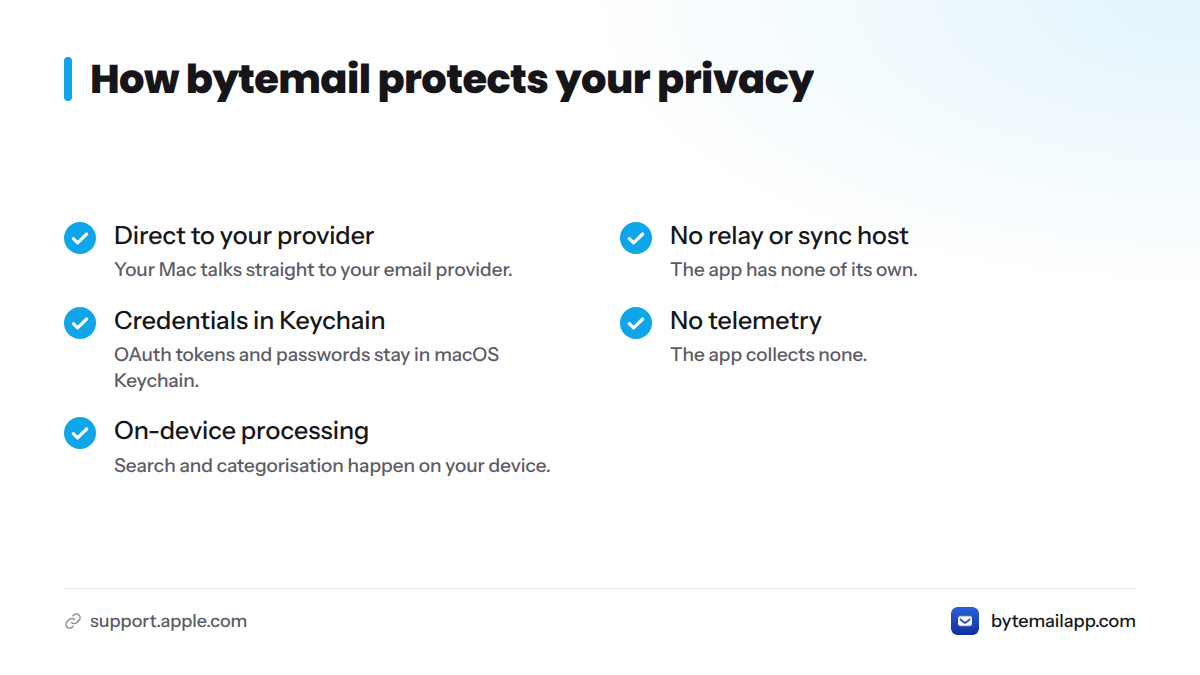
bytemail privacy comes down to one design choice: your Mac talks straight to your email provider. The app has no relay or sync host of its own, keeps OAuth tokens and passwords in macOS Keychain, and collects no telemetry. Search and categorisation happen on your device.
Apple documents how Keychain stores secrets on a Mac. For the full explanation, read how a privacy-focused Mac email client works.
How do I set up or add an account in bytemail?
Account setup takes a few steps. bytemail is pre-launch, so join the waitlist to get access when it opens.
- Choose your provider, such as Gmail, iCloud Mail, Outlook, Microsoft 365 or Yahoo.
- Sign in through your provider's OAuth screen, or enter your IMAP server details if you use another provider.
- Approve access when your provider asks.
- Let your mail sync into the unified inbox.
- Repeat for each additional account.
What should I do if my account won't sync or sign in?
Work through this list in order. The first three steps settle most problems.
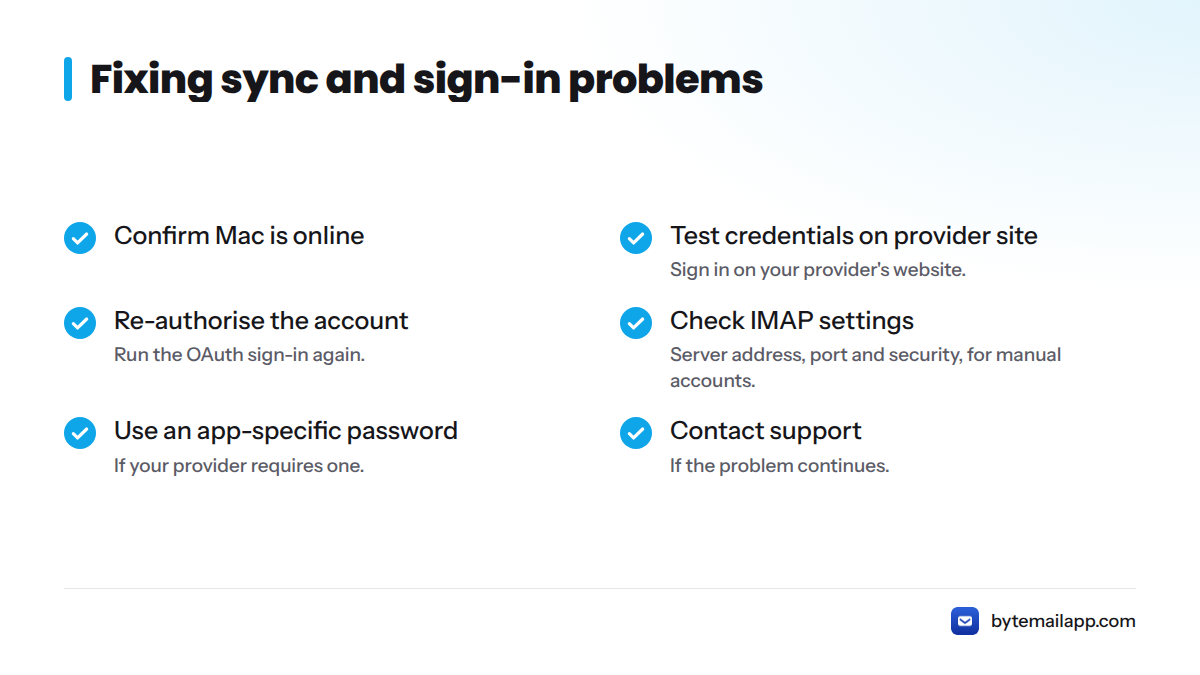
- Confirm your Mac is online.
- Confirm your credentials work by signing in on your provider's website.
- Re-authorise the account so the OAuth sign-in runs again.
- Check your IMAP server address, port and security settings if you added the account manually.
- If your provider requires an app-specific password, generate one and use it instead.
- Contact support if the problem continues.
Where can I get account support for bytemail?
Start at bytemailapp.com. I won't point you to an address I can't verify. Because bytemail is pre-launch, joining the waitlist is the surest way to receive launch updates and support details as they are published.
Where can I find bytemail pricing and reviews?
Plans and costs live on the bytemail pricing page, so they are not repeated here. Reviews will follow after launch. We won't publish ratings before real people have used the app.
Ready to try a native Mac inbox?
If Thunderbird works for you, keep it. If you want a fast, private, Mac-only client for macOS 14 and Apple Silicon, join the bytemail waitlist at bytemailapp.com and be first in line at launch.