bytemail Pricing 2026: Plans, Cost and What's Included
bytemail is a native Mac email client sold as a monthly plan, a yearly plan, or a lifetime licence. You pay for the app itself. You do not pay for cloud storage or per-account sync. Exact amounts and trial terms appear on the purchase screen in the app, and they can change, so confirm them there before you buy.
Prices last checked: October 13, 2026. For plan history, see the bytemail changelog. Want to try it first? Start from the bytemail homepage and pick the plan that fits.
How much does bytemail cost in 2026?
Let's break it down. The bytemail price comes in three shapes: pay monthly, pay yearly, or pay once for a lifetime licence. I deliberately leave dollar figures out of this article. A number that goes stale on a pricing page does more harm than a pointer to the live source, and the purchase screen in the app is the one place I trust for current amounts.
So, is bytemail free? Not as a permanent plan. It is a paid app, and the sections below explain what the payment covers.
| Plan | Billing period | What you pay for |
|---|---|---|
| Monthly | Every month | The app, with the most flexibility to stop |
| Yearly | Every year | The app, billed once a year |
| Lifetime licence | One time | The app, with no renewal |
The bytemail free trial
Trial length and what it unlocks are the details most likely to change, so check the purchase screen. I won't promise a trial length or a no-card-required start here. Any answer I printed would only be right on the day you read the live screen.
Prices last checked on October 13, 2026. Plans can change, so confirm in the app's purchase screen.
bytemail plans at a glance
Use this table to match your habits to a billing style. It describes structure, not amounts.
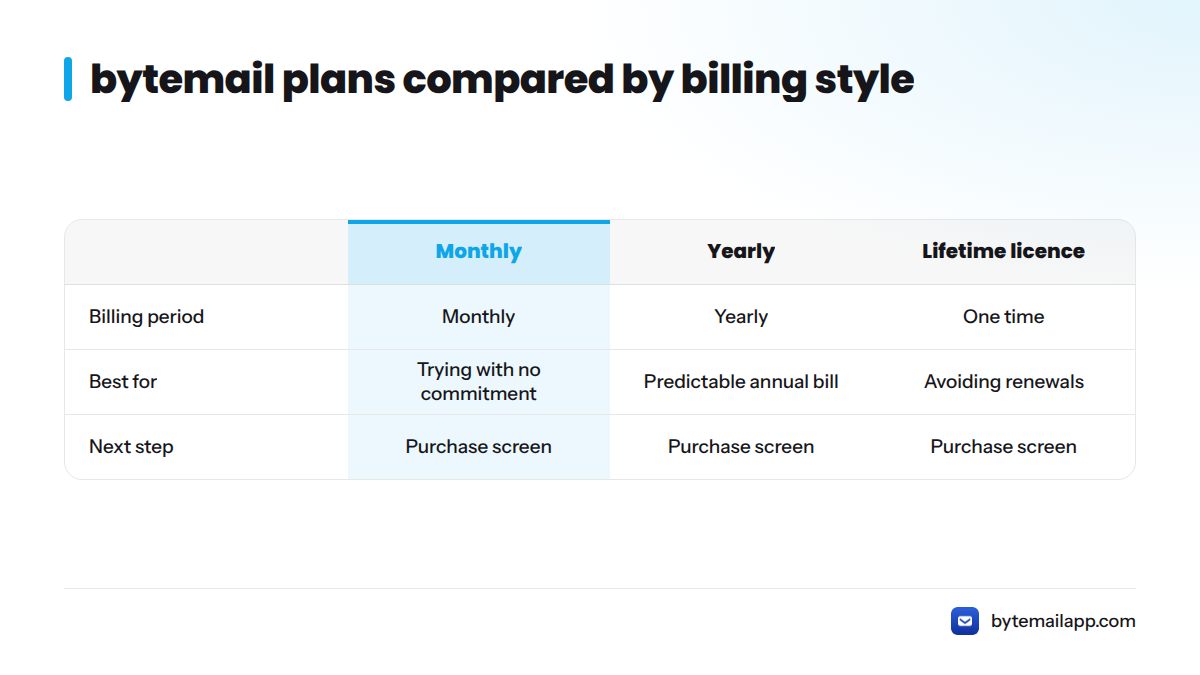
| Plan | Billing period | Best for | Next step |
|---|---|---|---|
| Monthly | Monthly | Trying the app with no long commitment | Start from the purchase screen |
| Yearly | Yearly | Daily users who want a predictable annual bill | Start from the purchase screen |
| Lifetime licence | One time | People who dislike renewals | Start from the purchase screen |
Account limits, device counts, update terms and support terms are set on the purchase screen and in the Terms of Service. I list nothing there that I can't confirm.
What each bytemail plan includes
Features in every plan
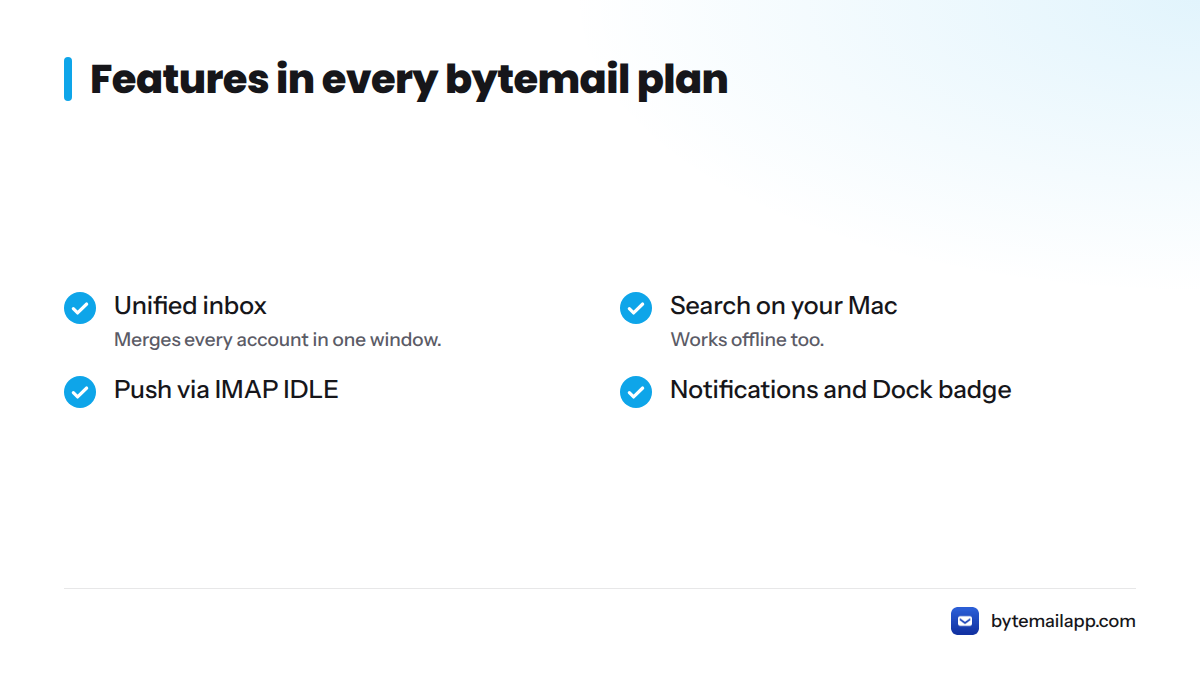
bytemail is a native Swift app built for macOS, and the day-to-day experience is the same whichever billing style you choose:
- A unified inbox that merges every account in one window
- Search that runs on your Mac, including offline
- Push delivery through IMAP IDLE
- Notifications and a Dock badge
For the engineering behind the speed, read what makes a native Swift Mac email client faster. You can also browse the full features list.
Differences between plans
I have no confirmed feature gap between the monthly, yearly and lifetime options, so I won't invent one. If the purchase screen shows a difference, trust the screen.
Supported mail providers
bytemail works with Gmail, iCloud, Outlook, Microsoft 365, Yahoo and standard IMAP accounts. The full list of supported mail providers sits on its own page, along with setup steps, so this article skips them.
Why bytemail has no per-account cloud cost
Many email apps run a server between you and your mail provider. Someone has to pay for that server, and the bill often lands on you per account or per seat.
bytemail skips that layer. There are no bytemail servers and no sync relay. Your Mac talks directly to your mail provider, so there is no cloud bill to pass on, and the price covers the app. That is the link between architecture and cost in one sentence.
Want to verify the claim rather than take my word for it? The page on why no bytemail server ever sees your mail covers how it works.
What can change what you pay
Subscription or one-time purchase
A bytemail subscription charges you on a repeating schedule and stops when you cancel. A one-time purchase, here the lifetime licence, charges you once. Which one costs less depends on how long you keep using the app, so run the math with the live prices. Someone who expects to stay for years is in a different position from someone testing a native client for a month.
Number of devices and licence term
Device limits and licence terms are set on the purchase screen. Read them before you pay, especially if you work on more than one Mac.
Mac App Store or direct download
Prices or terms can differ by purchase channel. I can't confirm a difference today, so check the channel you use. If you buy through Apple, Apple's App Store information explains its general purchase terms.
Third-party costs outside bytemail
Your mail provider is a separate relationship. Gmail, iCloud and Microsoft 365 each set their own storage and plan fees, and bytemail doesn't change them. Check the provider's own pricing page, such as Google One plans, before you assume a total. This matters for any mac email client pricing comparison, because the app and the mailbox are billed separately.
Refund policy
Refund windows depend on where you buy. Read the Terms of Service and the purchase screen for the current wording. This is not legal advice.
What bytemail never charges for or sells
Here is the checklist I stand behind, based on how the app is built:
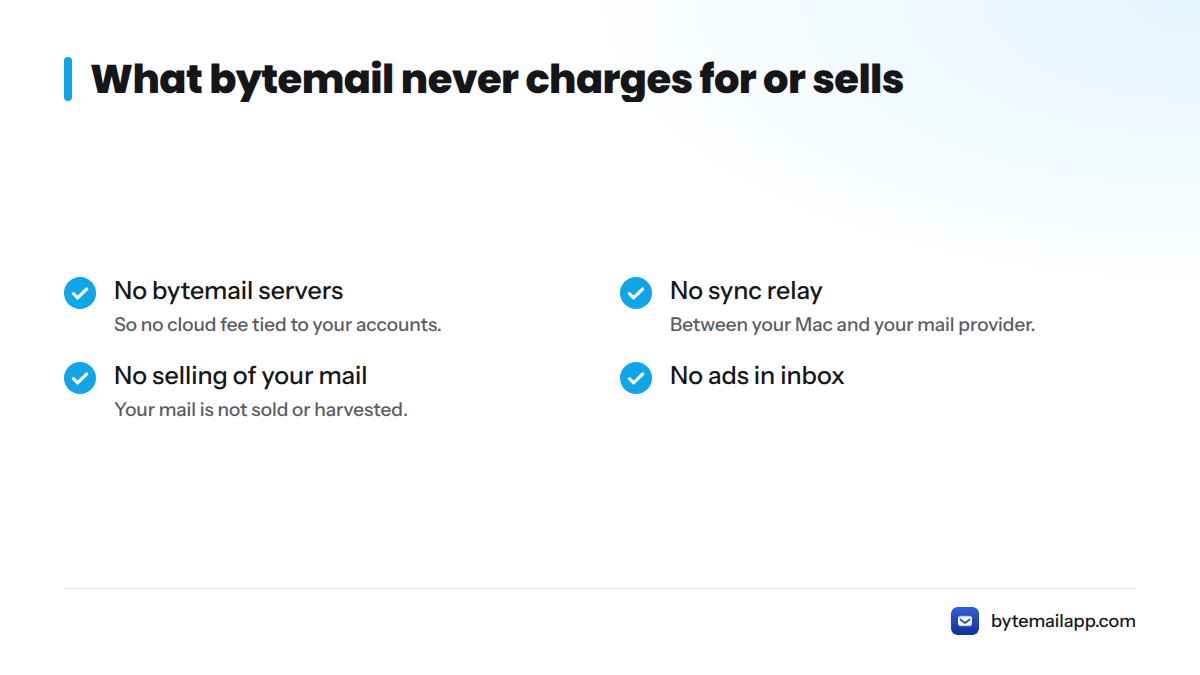
- No bytemail servers, so no cloud fee tied to your accounts
- No sync relay between your Mac and your mail provider
- No selling or harvesting of your mail
- No ads in your inbox
On adding accounts, bytemail's pricing isn't built around a per-account cloud cost. For any account limit, the purchase screen has the final word. The privacy policy lays out data handling in full.
Which bytemail plan fits you
Here is how I would match a situation to a plan:
| Your situation | Suggested plan | Why |
|---|---|---|
| Testing whether a native client suits you | Monthly | Easy to stop |
| Daily user, happy to renew yearly | Yearly | One bill a year |
| You hate recurring charges | Lifetime licence | Pay once |
| Many accounts across Gmail, iCloud and Outlook | Any plan | Pricing isn't set by cloud account count |
Weighing other options? Read how bytemail stacks up against other Mac email clients or browse email clients for Mac compared.
Next steps and common questions
Ready? Open the purchase screen from the bytemail homepage and pick monthly, yearly or lifetime.
How much does bytemail cost?
bytemail offers a monthly plan, a yearly plan and a lifetime licence. The live amounts are on the purchase screen, last checked October 13, 2026.
Is there a free trial for bytemail?
Trial terms are shown on the purchase screen. Confirm the length and what it unlocks there before you rely on it.
Is there a limit on how many email accounts I can add?
bytemail has no per-account cloud fee, because it runs no servers. Check the purchase screen for any account limit on your plan.
Does bytemail make money from my email data?
No. bytemail does not sell or harvest your mail. Your Mac connects directly to your mail provider, and revenue comes from the app.
What do I need to run bytemail?
A Mac running macOS 14 or later. The bytemail FAQ has the rest of the requirements, and these are answers to common bytemail questions.