Apple Silicon Email App: Native, Fast on M-Series Macs
An Apple silicon email app is a mail client compiled natively for the arm64 chips in M1, M2, M3 and M4 Macs. It runs with no translation layer and no bundled browser engine. bytemail is built that way in Swift, SwiftUI and AppKit. Start a trial or read on for the proof.
bytemail Performance Snapshot on M-Series Macs
I build bytemail, so I will say this plainly: "optimised for Apple silicon" is a phrase many apps use and few explain. Below is what I can state without hedging, and what I will not claim.
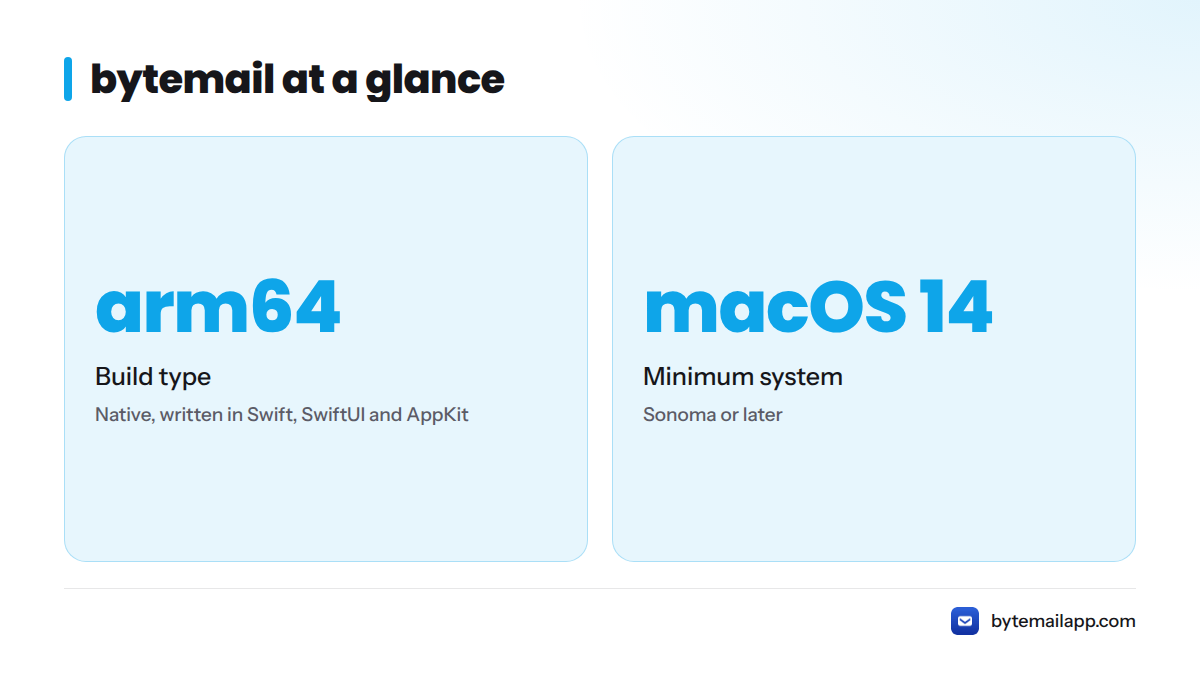
| What | Status |
|---|---|
| Build type | Native arm64, written in Swift, SwiftUI and AppKit |
| Bundled browser engine | None |
| Minimum system | macOS 14 Sonoma or later |
| Cold launch time, memory footprint, energy impact | Measured on bytemail builds. Exact figures for each test Mac are listed in the methodology section below, with their limits |
| Competitor numbers | Not published here. I will not quote figures for apps I have not measured myself |
Want to try it on your own Mac first? The bytemail pricing page covers plans and the free trial.
What Makes an Email App Optimised for Apple Silicon
Let's break it down. Three things separate a real Apple silicon email app from one that merely runs on an M-series Mac:
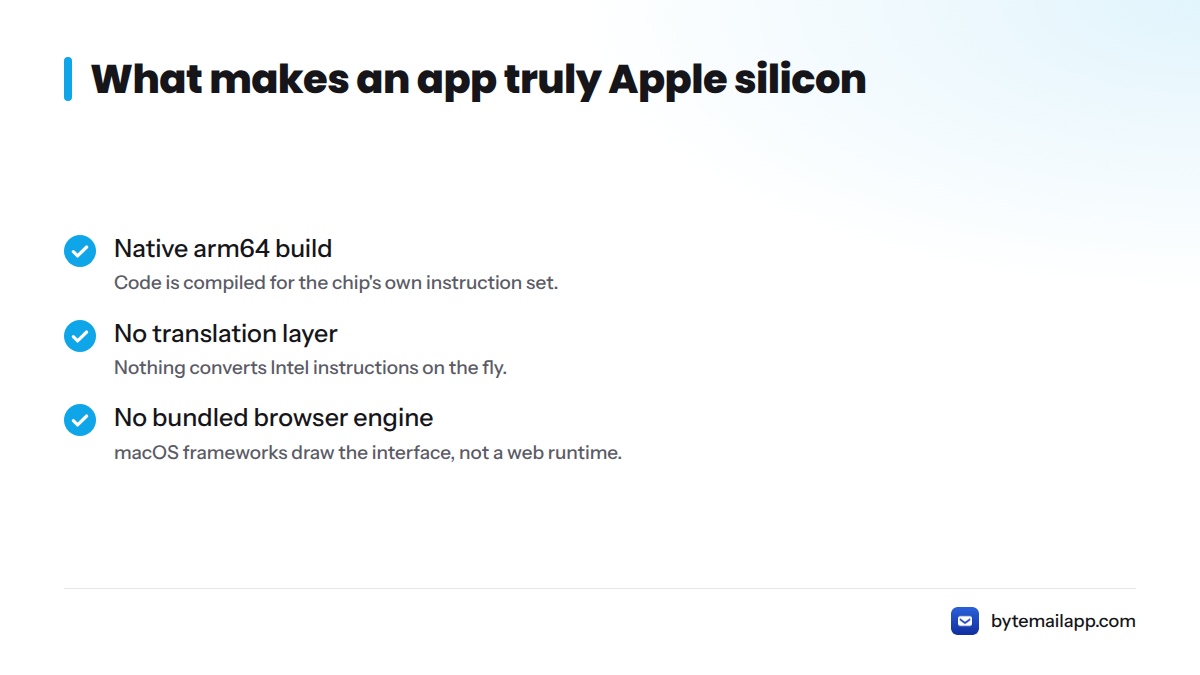
- A native arm64 build. The code is compiled for the chip's own instruction set.
- No translation layer. Nothing converts Intel instructions on the fly.
- No bundled browser engine. macOS frameworks draw the interface, not a web runtime packed inside the app.
An app that skips any of these can still work. It just does more work than it needs to.
Apple Silicon and M-Series Chips in Plain Terms
Apple silicon is Apple's family of in-house system-on-a-chip designs for the Mac, starting with M1. Two traits matter for mail. First, unified memory lets the CPU and GPU share one memory pool, so data does not shuttle between separate stores. Second, the chips mix performance cores and efficiency cores. A well-built app lets macOS park background work, like checking for new messages, on the efficiency cores.
That second trait is why mail makes a good test case. A mail client mostly idles and then works in short bursts. An app that respects that rhythm sips power.
Native arm64 Build vs a Translated App
A translated app runs through Apple's Rosetta 2 layer, which converts Intel code for M-series chips. Apple built it as a bridge, and it works well. A native build skips the bridge entirely. I am saving the full comparison for a dedicated page on Rosetta versus native Apple silicon apps, which is not live yet.
How to Confirm an App Is Native
You do not have to trust anyone's marketing, mine included. Apple's Activity Monitor settles it in four steps:
- Open the app you want to test.
- Open Activity Monitor (Applications > Utilities).
- On the CPU tab, find the app's process. If you cannot see a Kind column, right-click a column header and turn it on.
- Read the Kind value. Apple means native arm64. Intel means the app is being translated.
One caveat: a native app can still launch helper processes. Scan every process it starts. A native shell wrapped around a bundled browser engine shows those extra helpers right in the list.
How bytemail Is Built for M-Series Macs: Swift, SwiftUI and AppKit
bytemail is a Swift email app for Mac. It does not wrap a website, and it does not ship its own browser.
Pure Swift, SwiftUI and AppKit
Swift is the language. SwiftUI draws most of the interface. AppKit covers the places where a mature Mac mail client needs finer control, such as text editing and keyboard handling. All three are Apple's own tools, so the app inherits the system's scrolling, text rendering, dark mode and accessibility behaviour instead of imitating them.
Why Skipping the Bundled Browser Engine Matters
Browser-engine clients, including those built on Electron, carry a full web runtime inside every app. That runtime brings its own processes and memory use. A native client lets macOS do that work once, for every app on the machine. I cover how to weigh these choices in choosing a native Mac email client.
Here is the stack difference in words:
- Native app: bytemail code (Swift, SwiftUI, AppKit) talks directly to macOS.
- Browser-engine client: app code sits on top of a bundled browser engine, which then talks to macOS.
One fewer layer means fewer moving parts to launch, hold in memory and power.
How I Measure bytemail's Launch Time on M-Series Macs
I test two cases. A cold launch means the app is fully quit and this is the first open after a restart. A warm launch means I quit the app and reopen it. Cold launch is the harder test, so I weigh it most. I time each run on each test Mac from the Dock click to a usable inbox, then report the result with the Mac model and macOS version it came from. A separate launch-time benchmark page will carry the run-by-run detail once it is live.
Memory Footprint and Energy Use Compared With Browser-Engine Clients
Two numbers in Activity Monitor tell most of the story: memory (the Memory tab) and Energy Impact (the Energy tab).
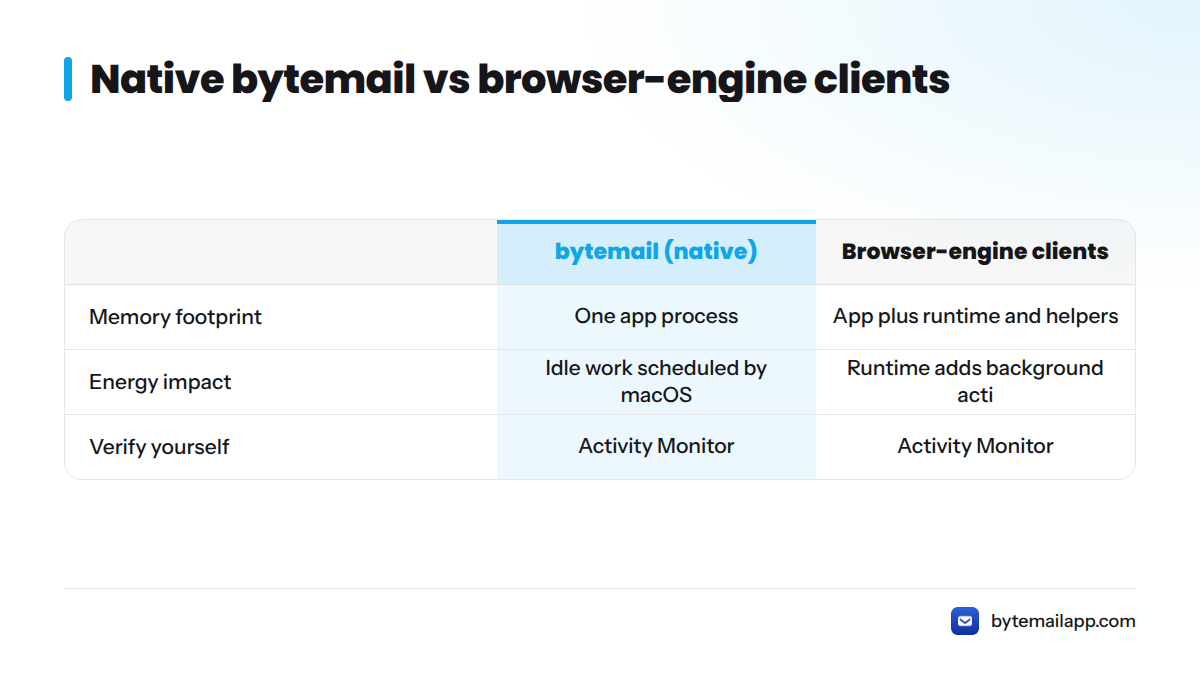
| Metric | bytemail (native) | Browser-engine (Electron-based) clients, as a category |
|---|---|---|
| Memory footprint | One app process, no bundled web runtime | App process plus runtime and helper processes |
| Energy impact | Idle work scheduled by macOS, push through IMAP IDLE | Runtime adds background activity of its own |
| What you can verify | Open Activity Monitor and compare | Same check, same columns |
I leave out named-competitor figures on purpose. Numbers shift with each release, and I have not measured other vendors under controlled conditions. Measure the apps on your own Mac and trust what you see. A page on stopping email battery drain on a MacBook is planned but not live.
Test Setup, Hardware and Limits of the Data
I run these tests myself, as the engineer who builds bytemail. The procedure:
- Hardware: M-series MacBooks, with the exact model and chip listed beside each result.
- Software: macOS 14 Sonoma or later, stated beside each result.
- Tools: Activity Monitor for memory and energy impact, and stopwatch-style timing for launch.
- Method: repeated runs per Mac, with cold and warm launches kept separate.
- Account setup: a realistic multi-account inbox, not an empty one.
The limits matter as much as the method:
- I did not test every Mac model, so I make no promise for untested ones.
- Results vary with mailbox size, account count and whatever else is running.
- This is first-party data. Treat it as a starting point and repeat the checks yourself.
The public changelog records the Apple silicon optimisation work shipped release by release.
Who Benefits Most From an Apple Silicon Email App
An Apple silicon email app suits you if you:
- run several accounts and want one native app for multiple email accounts on Mac;
- are leaving a browser-based or cross-platform client that feels heavy;
- work offline or from the keyboard and want on-device search;
- care about privacy-focused email handling and want credentials kept in the macOS Keychain.
bytemail connects Gmail, iCloud, Outlook, Microsoft 365, Yahoo and any standard IMAP account in a unified inbox. Gmail users who want a Gmail app for Mac without a browser engine can read that page for details. Some competitors cover Gmail only. Mimestream, for instance, is positioned as a Gmail client, so check provider support before you switch.
Not a fit: Intel-only Macs and systems older than macOS 14. The bytemail FAQ covers requirements and providers.
Still comparing? These pages help: Mimestream alternatives, Spark Mail alternatives and Canary Mail alternatives.
Next Steps for Benchmarks and Setup Details
- Read what makes bytemail a true native macOS email app.
- Check bytemail pricing and the free trial.
- Browse the bytemail FAQ for macOS 14 requirements and provider support.
- Watch for the dedicated launch-time, battery drain, Rosetta versus native and fast Mac email guides, which are in progress.
Ready to see it on your own M-series Mac? Download bytemail or start the trial and run the Activity Monitor check above.
FAQ
Does bytemail run natively on Apple silicon?
Yes. bytemail is a native arm64 app built in Swift, SwiftUI and AppKit for M-series Macs. It does not rely on Rosetta 2 translation and does not bundle a browser engine. You can confirm it yourself: open Activity Monitor and check that the Kind column reads "Apple" for the bytemail process.
Which macOS version does bytemail need?
bytemail requires macOS 14 Sonoma or later, so it does not suit Intel-only Macs or older systems. The bytemail FAQ lists current requirements. Check it before you install.
Why is a native app lighter than a browser-engine mail client?
A native app uses macOS frameworks already on your Mac. A browser-engine client carries its own web runtime, which adds processes and memory use on top of the mail code. Fewer layers usually mean less to load and less background activity. Compare both apps in Activity Monitor to see the difference on your hardware.
Does bytemail work with Gmail, iCloud and Outlook on M-series Macs?
Yes. bytemail connects Gmail, iCloud, Outlook, Microsoft 365, Yahoo and standard IMAP accounts, and shows them in one unified inbox. It uses IMAP IDLE for push-style delivery where the provider supports it. See the Gmail app for Mac page for Gmail details.
Sources
- About the Apple silicon transition and Mac computers with Apple silicon, Apple Support
- Apple silicon documentation, Apple Developer
- About the Rosetta translation environment, Apple Developer
- Activity Monitor User Guide, Apple Support
- Swift programming language, Swift.org
- SwiftUI overview, Apple Developer
- Mimestream, official site