Multiple Email Accounts on Mac: One Fast Native App
The best way to run multiple email accounts on Mac is a single native client that connects Gmail, iCloud, Outlook, Microsoft 365, Yahoo and custom IMAP directly, and keeps each account visually distinct. That is the job bytemail was built for. At the time of writing, bytemail is pre-launch and collecting waitlist sign-ups.
If you juggle three mailboxes and four browser tabs, you already know the cost. Let's break down what goes wrong, what to look for in a multi account email client for Mac, and where bytemail fits (and where it doesn't).
One Native Mac App Can Hold Every Account
Most people want the same few things: every mailbox in one window, a clear signal for which account each message belongs to, fast delivery, and notifications they can trust. A dedicated client handles that better than a pile of browser tabs, and it gives you more control than a default setup.
bytemail connects to each provider directly. It shows colour-coded account avatars, smart tabs, on-device search across accounts, notifications and a Dock badge. The bytemail features page has the full list.
What "Native" Means Here
A native Mac app is written for the platform it runs on. It is not a web page in a wrapper. bytemail is built with Swift, SwiftUI and AppKit, so it carries no bundled browser engine. It targets Apple silicon and requires macOS 14 or later. The reasoning behind those choices is laid out in the page on what makes bytemail a native Mac email app.
Quick verdict
- One app, many providers: Gmail, iCloud, Outlook, Microsoft 365, Yahoo and IMAP.
- Native Swift code, no bundled browser engine, macOS 14+.
- Pre-launch: join the waitlist rather than expecting a download today.
Why Several Mailboxes on One Mac Turn Messy
I have lived this. A client email lands in my work inbox while I'm answering a personal one, and I reply from the wrong address. Nobody warns you it will happen. It just does.
Four problems show up again and again when you try to manage several email accounts on a Mac.
Switching Between Apps and Tabs Eats Focus
Every extra mailbox in its own tab or app adds a small tax. You find the window, wait for it to load, and try to remember where you were. Repeat that ten times a day and the lost focus is real.
Shared Notifications Hide What Matters
When every account pushes alerts under one generic banner, you can't tell what deserves attention. A single Dock badge can also hide whether those 14 unread messages come from your boss or from a newsletter. Per-account notifications and clear account identification solve this. Taming notification chaos across accounts is a topic of its own.
Replies Go Out From the Wrong Address
Many clients default to whichever account you opened last. One slip and a personal address appears in a work thread. A good client makes the sender obvious before you hit send, and lets you pick an alias on purpose.
Work and Personal Mail Blur Together
Merging everything feels convenient until it doesn't. The goal is one place to look, with a visible split between work and personal. Colour-coded avatars do most of that job at a glance.
Ready to try it? Join the bytemail waitlist and be first in line when it launches.
A Checklist for Judging Any Mac Client Built for Many Accounts
Use this list on any mac email app for multiple providers, bytemail included.
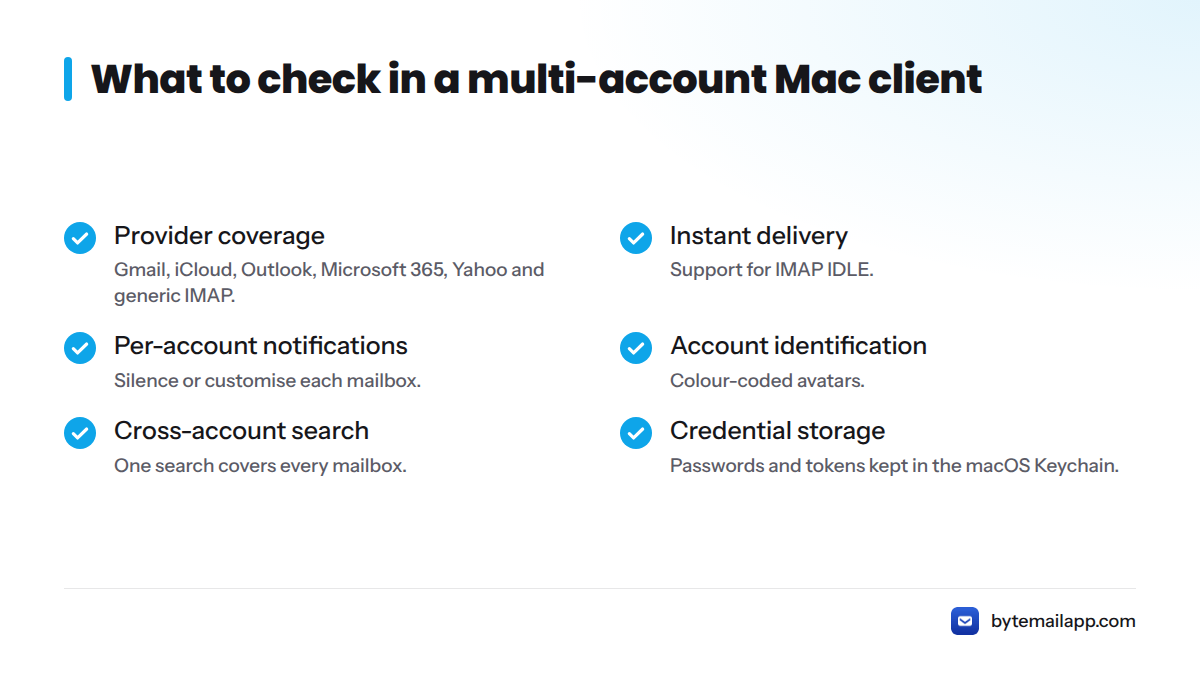
- Provider coverage: Gmail, iCloud, Outlook, Microsoft 365, Yahoo and generic IMAP.
- Instant delivery: support for IMAP IDLE, the extension to IMAP that lets a server tell the client about new mail.
- Per-account notifications: the ability to silence or customise each mailbox.
- Account identification: colour-coded avatars, so the account is obvious at a glance.
- Cross-account search: one search that covers every mailbox.
- Offline access: reading and searching mail without a connection.
- Sender and alias selection: a clear, deliberate choice of "from" address.
- Keyboard workflow: fast triage without reaching for the mouse.
- Credential storage: passwords and tokens kept in the macOS Keychain.
Here is how bytemail lines up against the same criteria.
| Criterion | What good looks like | bytemail |
|---|---|---|
| Providers | Six types incl. IMAP | Gmail, iCloud, Outlook, Microsoft 365, Yahoo, IMAP |
| Identification | Colour-coded avatars | Yes |
| Search | Across all accounts | On-device, cross-account |
| App type | Native, no browser engine | Swift, SwiftUI, AppKit |
| Credentials | System Keychain | macOS Keychain |
Is Apple Mail Enough?
Sometimes, yes. Apple's own Mail User Guide shows how to add several accounts, remove them, or temporarily disable one through Internet Accounts settings. With two simple mailboxes and no strong opinions, it may be all you need.
The guide covers setup, though, not the daily friction. It does not compare clients or discuss notification control or sender habits. If those matter to you, a dedicated client earns its place. Still comparing options? Our guides to Spark Mail alternatives and Airmail alternatives can help.
How bytemail Treats Gmail, iCloud, Outlook, Microsoft 365, Yahoo and IMAP
If you want an email client for Gmail, iCloud, Outlook together, expect each provider to behave a little differently at setup. The table below reflects what the bytemail team observed while building the integrations. It summarises behaviour and is not a walkthrough.
| Provider | Typical sign-in approach | What we observed |
|---|---|---|
| Gmail | OAuth | Browser-based consent, then direct sync. See the Gmail app for Mac. |
| iCloud Mail | Password (app-specific) | Apple requires an app-specific password for third-party clients. |
| Outlook | OAuth | Consent flow similar to Gmail. |
| Microsoft 365 | OAuth | Work accounts may depend on what your admin permits. |
| Yahoo Mail | OAuth or app password | Behaviour varies by account settings. |
| Custom IMAP | Password over IMAP | Depends on your host's server settings. |
Your providers set the final requirements, so check their documentation for current rules. Google's IMAP setup help is one example. Account support changes over time, and the bytemail FAQ lists providers and requirements as they stand.
Once connected, all of these accounts can sit together in a unified inbox, with avatars telling them apart.
Credentials Stay in Keychain, and No bytemail Server Sits in the Middle
bytemail stores each account's OAuth tokens and passwords in the macOS Keychain. Your Mac connects directly to each provider, and there is no bytemail relay in between. For more on this design, read about the privacy-focused Mac email client approach. For background on the standard behind those tokens, see the OAuth 2.0 specification.
Where bytemail Fits, and Where It Doesn't
It fits if you:
- Use only a Mac and juggle several providers.
- Want a fast, native app instead of a web wrapper.
- Value on-device, cross-account search.
It may not fit if you:
- Need the same client on Windows, Android or the web.
- Run a Mac on a version earlier than macOS 14.
- Are happy with Apple Mail's feature set.
- Need to download something today, since bytemail is still pre-launch and taking waitlist sign-ups.
Verdict: Is bytemail the Best Mac Mail App for Many Accounts?
My honest view: it depends on four answers.
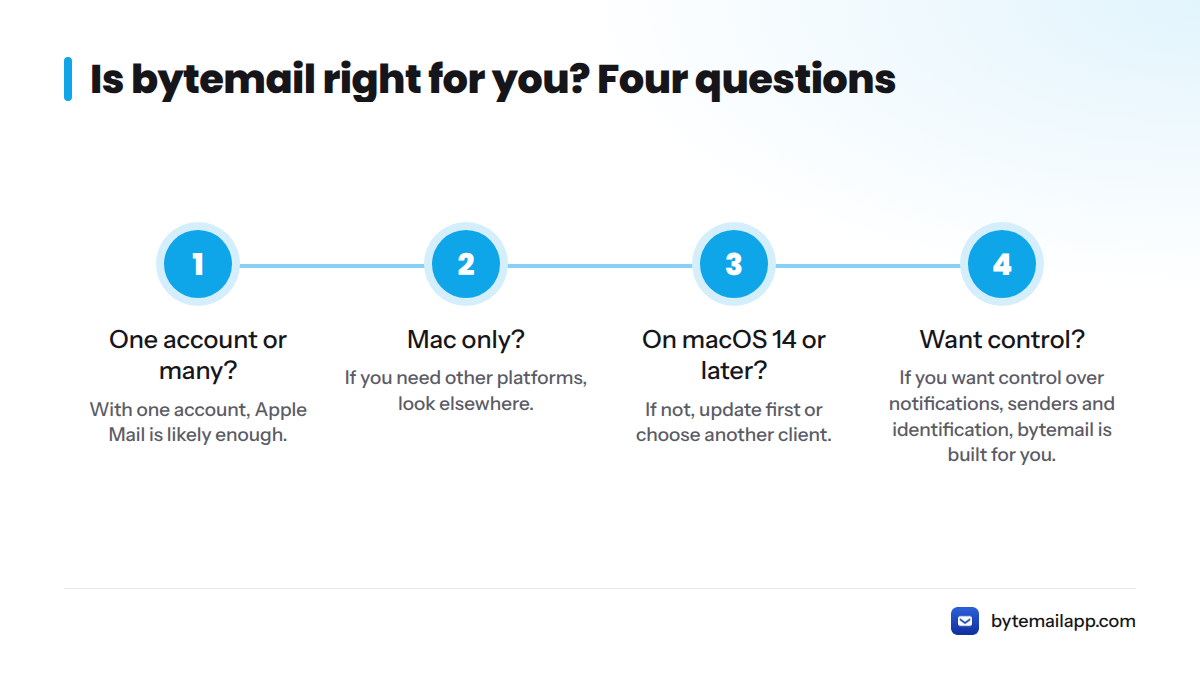
- One account or many? With one account, Apple Mail is likely enough. With many, keep going.
- Mac only? If you need other platforms, look elsewhere. If Mac is all you use, keep going.
- On macOS 14 or later? If not, update first or choose another client.
- Want control over notifications, senders and identification? If yes, bytemail is built for you.
If you answered yes all the way down, join the waitlist and check the current plan details once they are published.
FAQ
Can I use Gmail, iCloud and Outlook in one Mac email app?
Yes. bytemail connects Gmail, iCloud, Outlook, Microsoft 365, Yahoo and custom IMAP accounts in one native window, each with its own colour-coded avatar.
Is Apple Mail good enough for several accounts?
For simple setups, it can be. Apple's guide confirms Mail handles multiple accounts. A dedicated client adds clearer identification, notification control and cross-account search.
Does bytemail send my mail through its own servers?
No. Your Mac connects directly to each provider, and credentials stay in the macOS Keychain.
How many accounts can I add?
Limits depend on your plan. Check the pricing page for current details.
How do I switch between email accounts on a Mac?
In bytemail you don't have to. Accounts sit side by side, and colour-coded avatars show which mailbox each message belongs to.
What is the best email client for multiple accounts on a Mac?
It depends on your needs, so start with the checklist above. If you want native speed, many providers and direct connections, bytemail is the client we built for exactly that.