Email Client for Gmail, iCloud & Outlook on Mac
bytemail is a native Mac email client that puts Gmail, iCloud Mail, Outlook, Microsoft 365, Yahoo Mail and any standard IMAP account in one window. If you juggle several providers, you don't need a separate app for each. This page maps every provider to its sign-in path and explains where your credentials go. It is Mac-only, so there is no iPhone or Android version.
Ready to try it? Check bytemail pricing or visit the bytemail homepage for the current download or waitlist status.
One Mac Email Client for Gmail, iCloud, Outlook, Microsoft 365, Yahoo and IMAP
Which Mac email client works with Gmail, iCloud, Outlook, Microsoft 365, Yahoo and IMAP accounts together? bytemail does. It adds each account side by side, whatever the provider. You pick the provider, sign in the way that provider requires, and the account joins the rest in a unified inbox for your Mac. No second app, no browser tab.
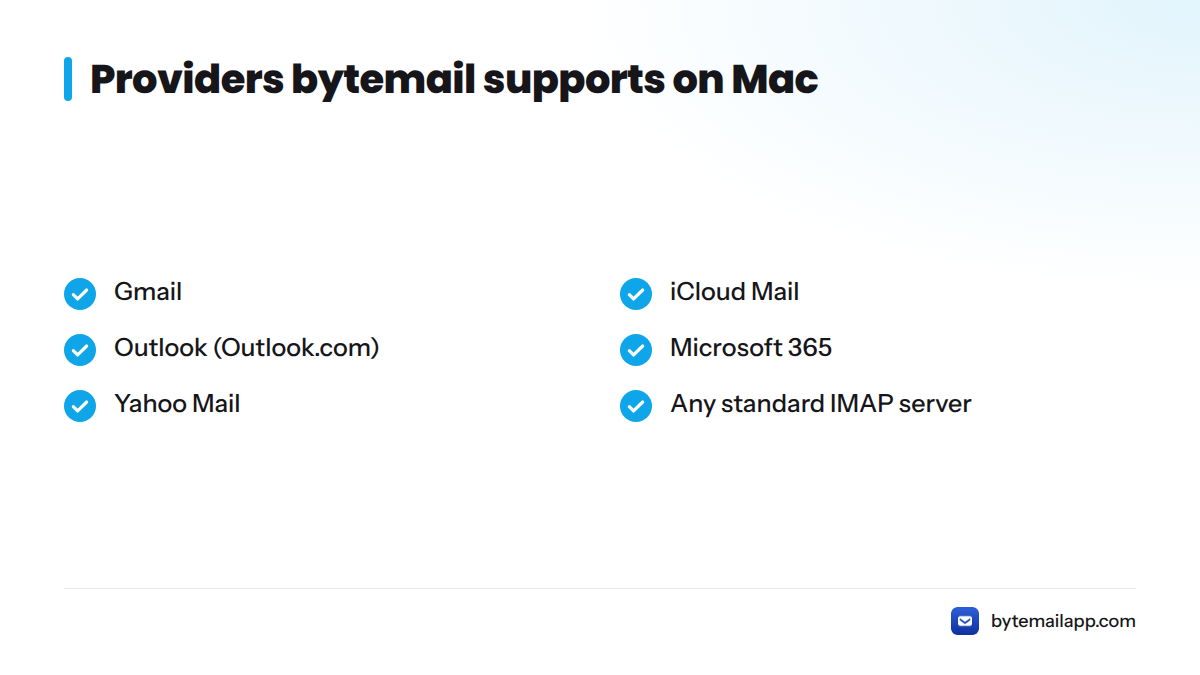
If you searched for an email client for Gmail, iCloud and Outlook, or an email app for Gmail and iCloud that doesn't push you into a browser, this is the setup you're after. Here are the supported email providers on Mac:
- Gmail
- iCloud Mail
- Outlook (Outlook.com)
- Microsoft 365
- Yahoo Mail
- Any standard IMAP server
What "native Mac email client" means
A native Mac email client is built for macOS itself, using Apple's own frameworks, instead of wrapping a website in a browser engine. bytemail is written in Swift with SwiftUI and AppKit and bundles no browser engine, so it launches quickly and behaves like other Mac apps. It needs macOS 14 or later and is optimised for Apple silicon. For more, read what makes bytemail a true native macOS email app and how it runs well on Apple silicon.
Supported Providers and Sign-In Methods
Every provider sets its own rules for letting an outside app read your mail. The table below fills in a sign-in method only where the bytemail team has confirmed it. Where it hasn't, the table says so rather than guessing.
| Provider | Sign-in method in bytemail | Where to go next |
|---|---|---|
| Gmail | Not available (pending team confirmation) | Gmail app for Mac with labels and snooze |
| iCloud Mail | Not available (Apple requires an app-specific password for third-party apps) | bytemail FAQ |
| Outlook | Not available (pending team confirmation) | bytemail FAQ |
| Microsoft 365 | Not available (pending team confirmation) | bytemail FAQ |
| Yahoo Mail | Not available (pending team confirmation) | bytemail FAQ |
| Any IMAP server | Manual IMAP setup | bytemail FAQ |
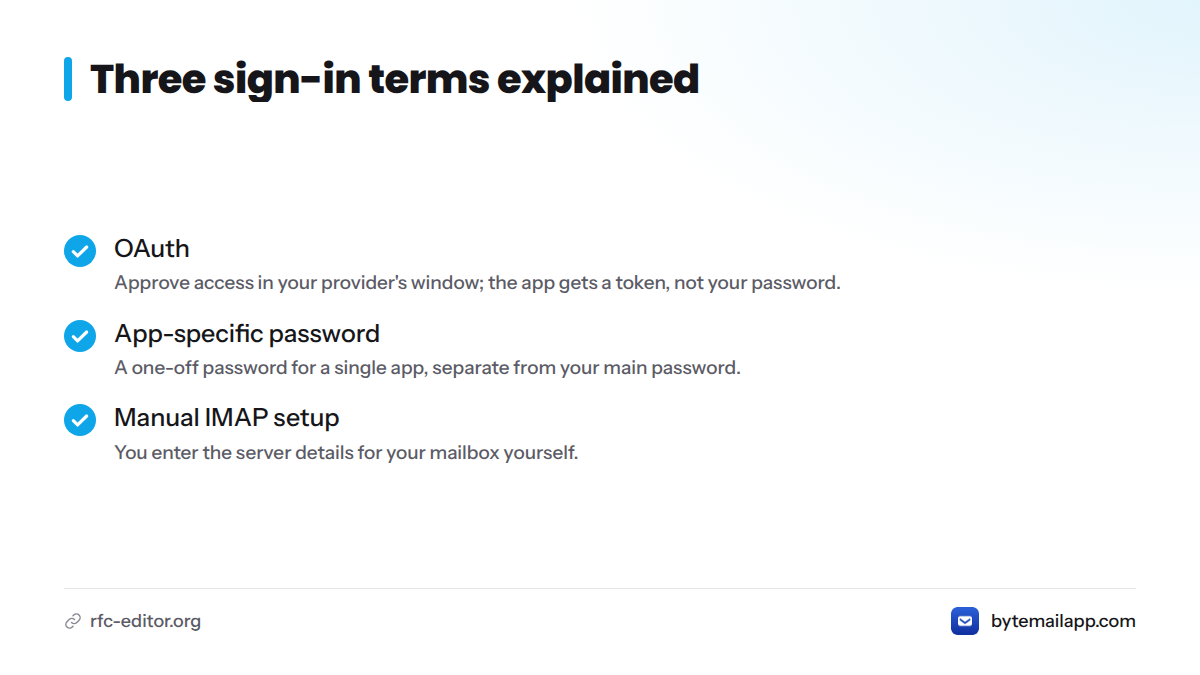
Three terms come up repeatedly, so here they are in one line each:
- OAuth: a sign-in standard where you approve access in your provider's own window, and the app receives a token instead of your password.
- App-specific password: a one-off password you generate in your provider's account settings for a single app, separate from your main password.
- Manual IMAP setup: you enter the server details for your mailbox yourself. IMAP is the IETF standard that lets a mail app read messages stored on a server.
Gmail: Sign-In Path in bytemail
Gmail is the account most people add first. Google documents how outside apps get access to an account in its Google Account Help pages, and Google decides which sign-in options exist. For how bytemail handles Gmail day to day, including labels and snooze, see the Gmail app for Mac page. This hub stays at the overview level on purpose.
iCloud Mail: Sign-In Path in bytemail
Apple sets a firm rule here. According to Apple Support on app-specific passwords, third-party apps need an app-specific password to reach iCloud Mail, because your main Apple Account password isn't shared with them. Expect that prompt before you start. Detailed iCloud steps will live on a dedicated page, and the bytemail FAQ covers provider basics for now.
Outlook and Microsoft 365: Sign-In Path in bytemail
Outlook.com accounts and Microsoft 365 work accounts are different services, so bytemail lists them as separate providers. Microsoft publishes its own guidance for connecting other mail apps in Microsoft Support. Work accounts can also carry rules set by your organization's admin. A sign-in that works for a personal Outlook.com address may behave differently on a company mailbox. The bytemail FAQ has the current provider list.
Yahoo Mail: Sign-In Path in bytemail
Yahoo Mail is supported as its own provider, and Yahoo explains how third-party apps sign in on its Yahoo Help pages. Add it the same way as the others: choose Yahoo, then follow the sign-in prompt your account requires.
Any Other IMAP Account: Manual Setup
Own a domain, or use a smaller host? If your provider offers IMAP, you can add the account by hand. You supply the server details your host publishes, and bytemail connects just as it does for the big names. This page skips hostnames and ports because they differ by host. Your provider's help pages list the right values. For anyone hunting for an IMAP email app on Mac, this is the route.
Credentials Go Direct to Your Provider, Not Through a bytemail Server
Most email pages skip this part. Your Mac connects straight to your provider. There is no bytemail cloud relay and no bytemail sync host in the middle.
Your Mac  ──────────────►  Gmail / iCloud / Outlook / Yahoo / IMAP
          (no bytemail server in this path)
macOS Keychain, Apple's built-in secure storage, holds your tokens and passwords, and nothing of the kind sits on a bytemail server. Apple describes how it protects stored secrets in its Apple Platform Security guide. Search indexing and smart categorisation run on-device too. For the wider picture, read how a privacy-focused Mac email client works.
My take: this is the first question to ask any mail app before you hand it a password. If the answer involves a vendor's server, you're trusting one more company with the keys to your inbox.
Running Several Providers Together
Accounts from different providers sit side by side, so a Gmail address, an iCloud address and a work Outlook address share one app. That is the point of a Mac email client for multiple providers: one window, one search across every account, and no app-hopping. For the full picture, see running multiple email accounts on one Mac.
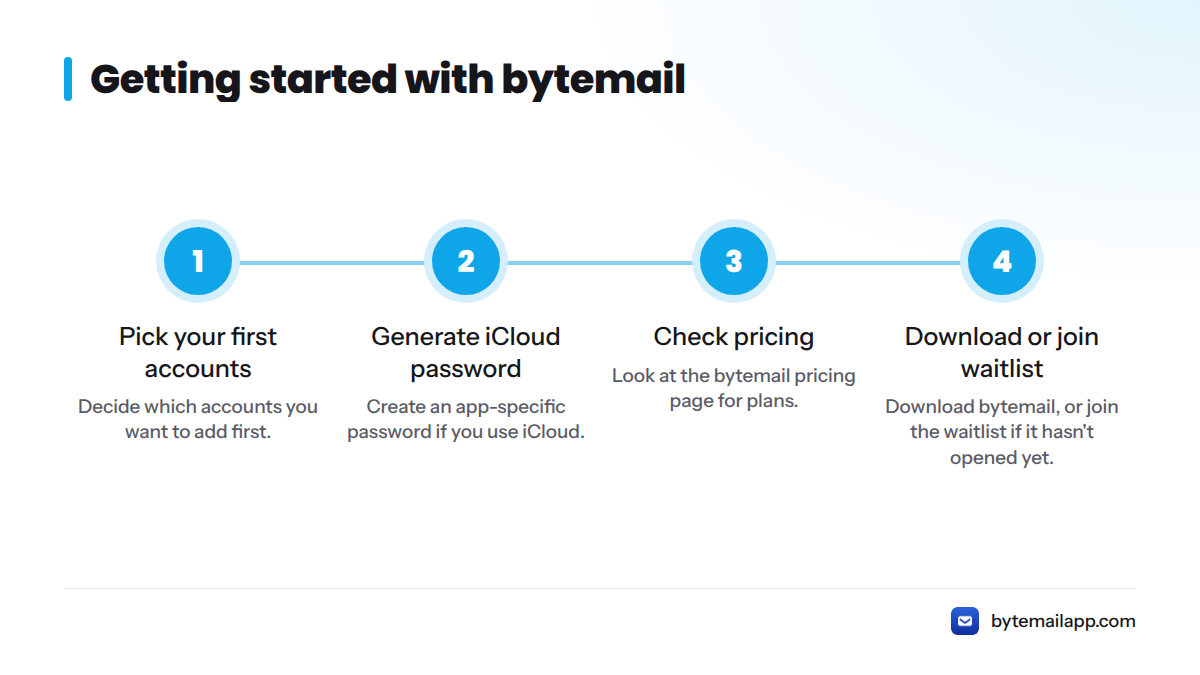
Next steps:
- Decide which accounts you want to add first.
- Generate an app-specific password if you use iCloud.
- Check the bytemail pricing page for plans.
- Download bytemail, or join the waitlist if it hasn't opened yet.
Frequently Asked Questions
Does bytemail support Microsoft 365 as well as Outlook.com? Yes. bytemail lists Outlook and Microsoft 365 as separate providers, so personal Outlook.com addresses and work mailboxes can both be added.
Does bytemail support Yahoo Mail? Yes. Yahoo Mail is a supported provider. You add it like any other account and follow the sign-in prompt Yahoo requires.
Can I add any IMAP account? Yes. If your mail host offers IMAP, you can add the account through manual setup using the server details your host publishes.
Does bytemail send my credentials to its own servers? No. Your Mac connects directly to your provider, with no bytemail server in between. Tokens and passwords stay in the macOS Keychain on your Mac.
Is there an iPhone or Android version? No. bytemail is Mac-only. Check the bytemail FAQ for current system requirements.