Beautiful Email Client for Mac: 6 Best-Looking Apps

Which email client for Mac has the best design? For most people, the best-looking picks are bytemail, Apple Mail and Mimestream. All three use standard macOS controls and system typography, so they look like first-party Mac software. Spark, Airmail and Canary Mail suit different tastes. Disclosure: bytemail publishes this page, and I apply the same criteria to every app.
If Apple Mail bores you and most alternatives look like websites in a window, this list is for you. I kept it short and judged looks only, not speed, price or features. Let's break it down.
The Short Answer: Which Mac Email Client Looks Best?
My pick for the most beautiful email client for Mac is bytemail, with Apple Mail and Mimestream close behind. All three lean on native Mac email design. Spark and Airmail look more distinctive, and Canary Mail is the most utilitarian of the six. Taste decides the rest.
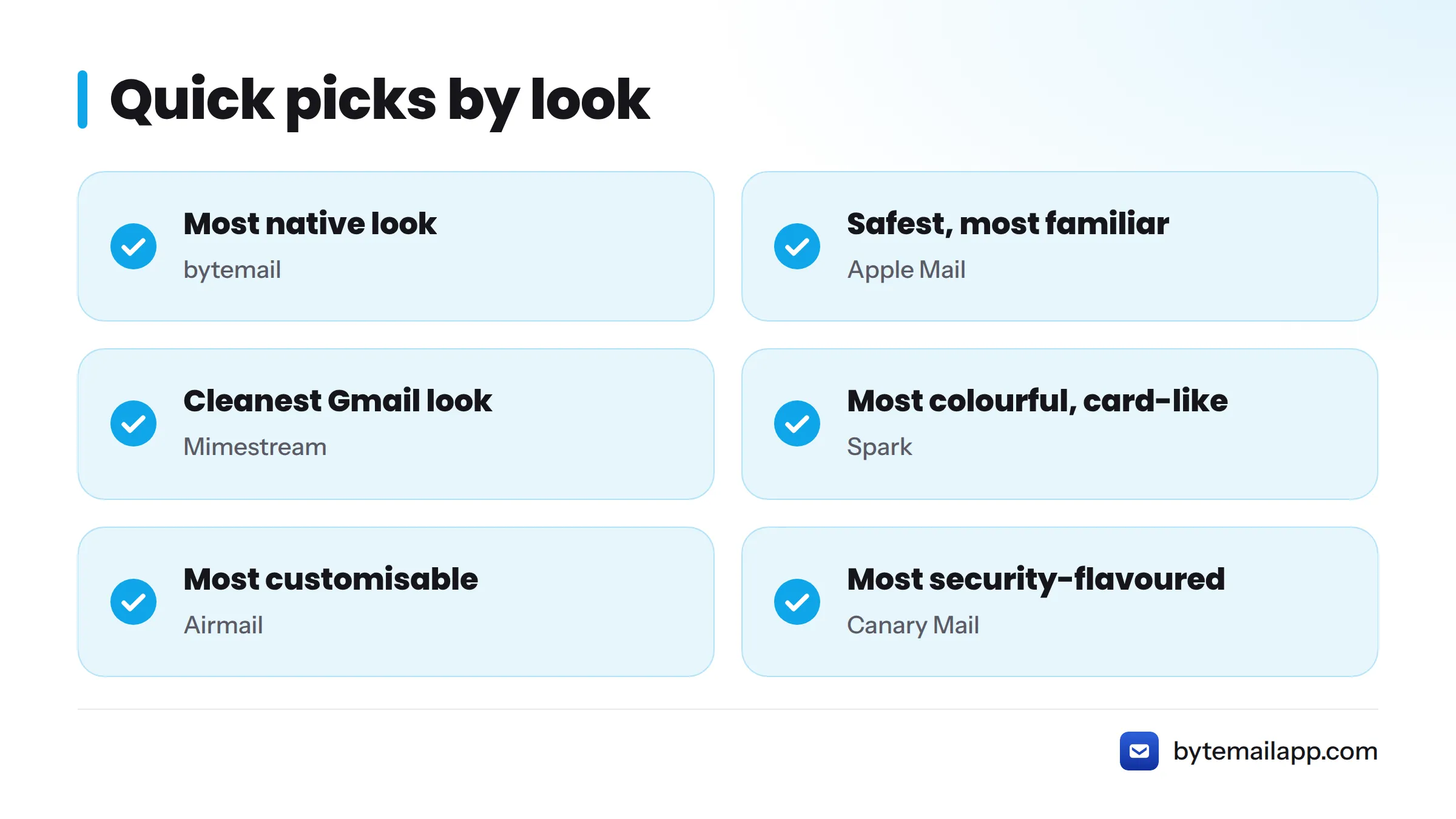
Quick picks (editorial opinion):
- Most native look: bytemail
- Safest, most familiar look: Apple Mail
- Cleanest Gmail-focused look: Mimestream
- Most colourful and card-like: Spark
- Most customisable look: Airmail
- Most security-flavoured look: Canary Mail
One caveat before you read on. bytemail was pre-launch with a waitlist at the time of writing, so you may not be able to install it yet. The bytemail homepage has the current status.
How I Judged Beauty: Typography, Layout, Native Feel and Dark Mode
A pretty screenshot proves little. I scored each app against four criteria, and you can reuse them on any email client during a trial.
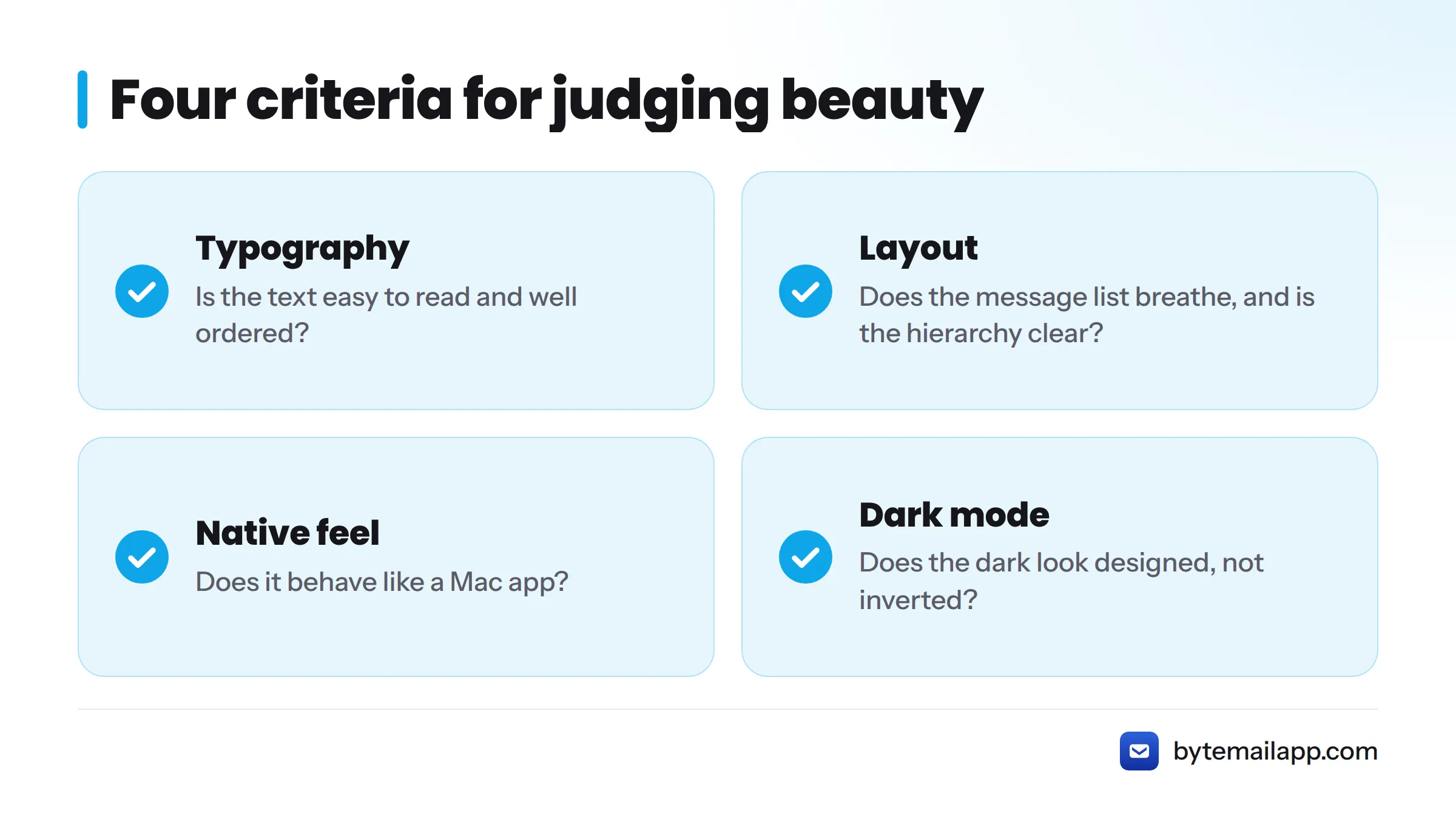
- Typography: is the text easy to read and well ordered?
- Layout: does the message list breathe, and is the hierarchy clear?
- Native feel: does it behave like a Mac app?
- Dark mode: does the dark appearance look designed, not inverted?
Typography
Mac apps look coherent when they use the system font. Apple's San Francisco typeface is the macOS default, and Apple documents it in its Human Interface Guidelines on typography. Custom fonts can look distinctive, but they often clash with the rest of your desktop. I favour system type for email, since you read so much of it every day.
Layout and density
Look at the message list. Can you spot the sender at a glance? Is there room between rows? The three-pane layout (sidebar, list, message) is the Mac classic. Dense layouts show more mail, while airy ones feel calmer. Neither is wrong, but the hierarchy has to be obvious.
Native feel
Native feel comes down to standard macOS controls, system typography and native animation. Apps built with SwiftUI and AppKit inherit these from the system, which is why they read as first-party. That is the core of good SwiftUI email app design: the system does the styling work. Apple's Human Interface Guidelines set the yardstick. Cross-platform apps can look good too, but in my opinion they rarely match the small details, such as scrolling, sidebars and window behaviour. You can read more on what makes an app a true native macOS email app.
Dark mode
I judge only the look here: contrast, tinted surfaces and whether accent colours still work. Mac email app dark mode design deserves its own setup guide, so I skip the steps.
1. bytemail: A Native Mac Look Built on System Controls and Typography
Design verdict: the most first-party-looking app on this list, by design.
bytemail uses standard macOS controls, system typography and native animation from SwiftUI and AppKit. The goal is software that looks and behaves like something Apple could have shipped. That also makes it a clean email client for macOS in the literal sense: no bundled browser engine, no web-page chrome.
What you see:
- A message-bubble conversation view
- Sender pictures pulled from Contacts, plus brand icons
- Colour-coded account avatars
- Smart inbox tabs
It also pairs well with a unified inbox on Mac, so multiple accounts sit in one calm window.
Trade-offs: it requires macOS 14 or later, and it is on a waitlist as of writing. I built my judgement from the design choices described above, and I am biased, so weigh it accordingly. The FAQ lists current requirements.
2. Apple Mail: The First-Party Baseline
Design verdict: the reference point for native feel, and a little plain.
Apple Mail ships with macOS, so it uses system controls and typography by definition. You get a classic three-pane layout, a tidy sidebar and familiar toolbar icons. It looks right at home, and that is its biggest strength.
Trade-offs: in my opinion it plays safe. It rarely adds visual personality, and many people move on for that reason. To see where it sits against rivals, read the Apple Mail alternatives comparison. If you are shopping for Apple Mail alternatives on design alone, that is the place to start.
3. Mimestream: Restrained and Built for the Mac
Design verdict: clean, restrained and clearly built for the Mac.
Mimestream is a Gmail-focused client that presents itself as a native macOS app. Expect a sidebar of labels, a tidy list and quiet toolbars that echo Apple Mail's structure with a more modern finish. I like the calm hierarchy, and it qualifies as a minimal email client for Mac users who live in Gmail.
Trade-offs: the Gmail focus narrows who it suits. For options nearby, see these Mimestream alternatives. Check Mimestream's site for current platform and pricing details.
4. Spark: Friendly and Colourful, Not Mac-First
Design verdict: friendly and colourful, but not a Mac-first look.
Spark works across Apple devices. Its interface favours bright accents, rounded cards and a shared look from phone to desktop. Competitor reviews describe a three-column layout with a smart inbox view. That consistency pays off if you use several Apple devices.
Trade-offs: in my judgement it feels more like its own brand than part of macOS. Browse Spark alternatives if you want something quieter.
5. Airmail: A Look You Can Bend to Your Taste
Design verdict: flexible, with a look you can bend to your taste.
Airmail offers customisation and a layout that can feel closer to a classic mail client with extra styling. You can shape how the list and toolbars appear, which design fans enjoy.
Trade-offs: more options can mean more visual noise. In my opinion, a customised Airmail can look great or busy, depending on who sets it up. See Airmail alternatives for neighbouring picks.
6. Canary Mail: Tidy and Utilitarian
Design verdict: purposeful and tidy, with a utilitarian feel.
Canary Mail presents a clean list and a focused reading pane. It leans on a security-minded personality more than a showpiece look. It is easy on the eye and easy to read.
Trade-offs: I find it less distinctive than the native picks above. Compare nearby apps via these Canary Mail alternatives.
Side-by-Side: How the Six Compare on Design Criteria
These are qualitative editorial judgements, not scores.
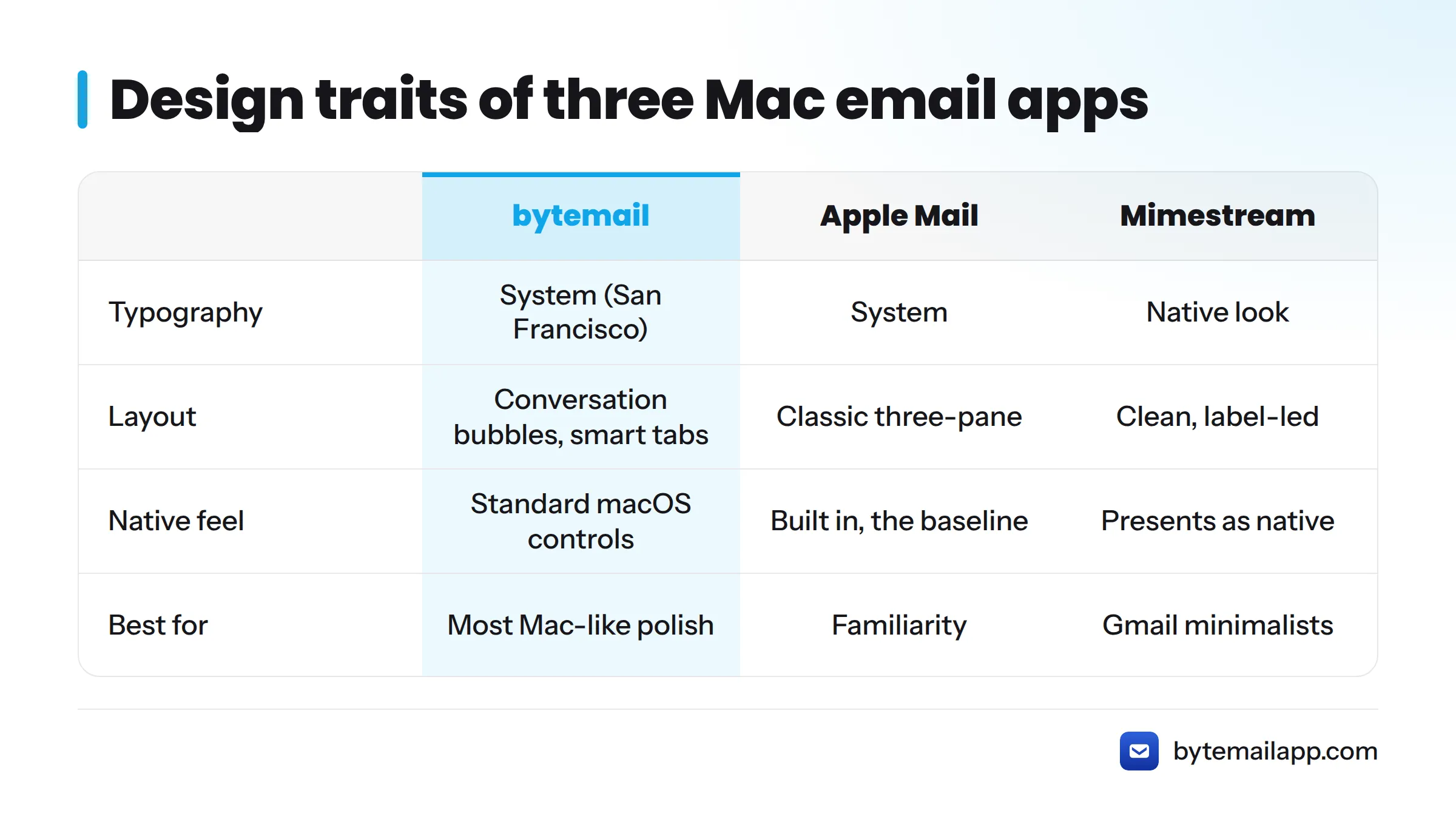
| App | Typography | Layout | Native feel | Dark mode look | Best for |
|---|---|---|---|---|---|
| bytemail | System (San Francisco) | Conversation bubbles, smart tabs | Standard macOS controls, SwiftUI/AppKit | Native appearance support* | Most Mac-like polish |
| Apple Mail | System | Classic three-pane | Built in, the baseline | Native | Familiarity |
| Mimestream | Native look | Clean, label-led | Presents as native | Native-style | Gmail minimalists |
| Spark | Brand-styled | Card-like, colourful | Cross-device look | Styled | Colour and consistency |
| Airmail | Adjustable | Flexible | Mixed | Adjustable | Tinkerers |
| Canary Mail | Tidy | Focused list and pane | Utilitarian | Styled | Simple, clear reading |
*Judged on look only. Check each vendor's site for current dark mode support.
Verdict: Pick the Look That Fits Your Desktop
Here is my pick-by-taste guide, design only:
- Want it to look like it belongs on your Mac? Pick bytemail or Apple Mail.
- Want the quietest Gmail look? Pick Mimestream.
- Want colour and the same look on iPhone? Pick Spark.
- Want to adjust everything? Pick Airmail.
- Want plain and easy to read? Pick Canary Mail.
Looks are only part of the decision. For the best email client for Mac overall, see the full ranking. To see the native interface yourself, join the bytemail waitlist and take a look at this fast, lightweight email client for macOS. Next steps: test two apps for a week each and trust your eyes.
FAQ
Which email client for Mac has the best design?
In my opinion, bytemail, Apple Mail and Mimestream look best because they use native macOS design. Spark and Airmail look more distinctive. Taste decides, so trial two before committing.
Is there a beautiful free email client for Mac?
Apple Mail is a beautiful email client for Mac free of charge: it ships with macOS and looks native. Some third-party apps, including Spark, advertise free tiers. Check each vendor's site for current limits, because plans change.
What makes an email app look native on macOS?
Standard macOS controls, system typography and native animation. Apps built with SwiftUI and AppKit inherit these from the system, so they match Apple's own software and follow the Human Interface Guidelines.
Does Apple Mail look good compared with third-party clients?
It looks clean and perfectly at home on macOS, though plain. Third-party apps trade that familiarity for more personality, colour or customisation. That trade is the best-looking Mac email app debate in a nutshell.
Do all these apps support dark mode?
Most modern Mac mail apps offer a dark appearance, but quality varies. Confirm on each vendor's site before you switch, and look for a dedicated dark mode guide for setup steps.