Microsoft 365 Email Client for Mac: Native App

Can you use a Microsoft 365 work mailbox in a native Mac email client instead of Outlook? Yes. Sign in with your work account and bytemail connects straight to Microsoft. Whether it works for you hangs on one question: does your organisation let third-party apps reach its mailboxes? Here is what that looks like day to day, including the part most compatibility pages skip.
bytemail had not launched at the time of writing, so the call to action below points to the waitlist. Check the bytemail home page for current availability.
Yes: use your Microsoft 365 work mailbox in a native Mac client
A work mailbox does not have to live inside Outlook. Microsoft 365 mail is hosted in Exchange Online, and any app that signs in properly can read and send it. bytemail is one such Microsoft 365 email client for Mac, built natively for macOS. If you searched for an Office 365 email client for Mac, this is the same thing under Microsoft's newer name.
What "Microsoft 365 work account" means here
Your work account is the sign-in your employer or school gave you. It belongs to a Microsoft Entra ID tenant, which is your organisation's private directory of users and apps. Your mailbox sits in Exchange Online under that tenant. Your organisation, not you, sets the rules for which apps may connect.
What works, and the one condition
Sign-in, mail, folders and sending all work through your own account. The one condition is tenant permission. Some organisations let you approve apps yourself. Others require an administrator to approve each one first.
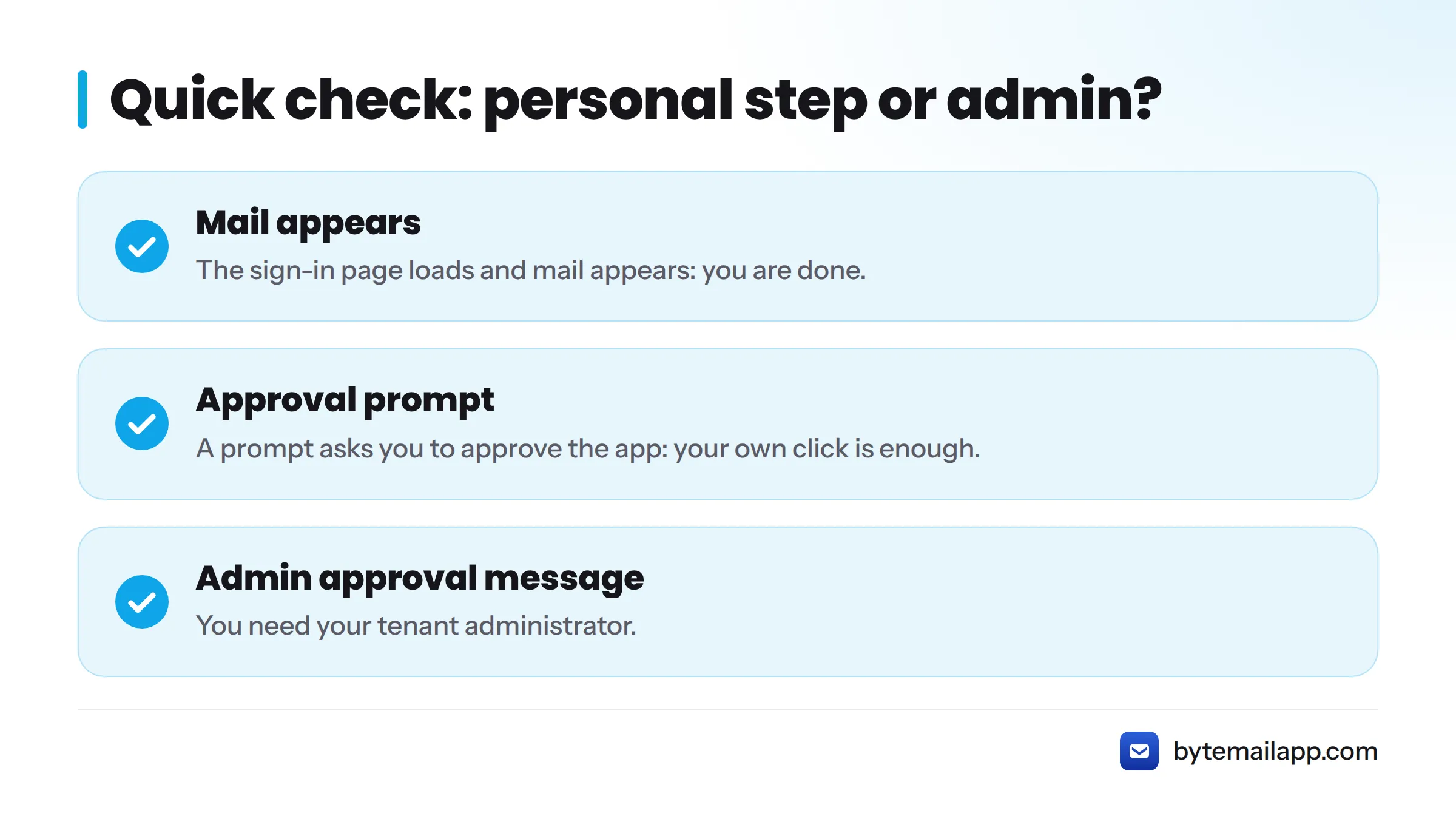
Quick check: personal step or needs your admin?
- Sign-in page loads and mail appears: you are done.
- Prompt asks you to approve the app: your own click is enough.
- Message says admin approval is required: you need your tenant administrator.
Why people look past Outlook for Mac with a work account
I hear the same reasons again and again. Outlook feels heavy for quick triage. Some people want work and personal mail in one place. Others simply prefer a lighter, Mac-first interface. Those are preferences, not defects, and they make bytemail a reasonable Outlook for Mac alternative for work mail. For Outlook's own capabilities, read Microsoft's Outlook for Mac documentation.
If you are weighing options, the best Mac email client comparison covers the field. This page stays on Microsoft 365.
How the Microsoft sign-in flow works in bytemail
bytemail uses OAuth, the standard sign-in method Microsoft's identity platform supports. You never type your work password into bytemail. You type it into Microsoft's own page. Microsoft documents this model in its identity platform documentation.
That makes it a proper Microsoft sign-in for a Mac mail app, not a workaround.
Signing in with your work account
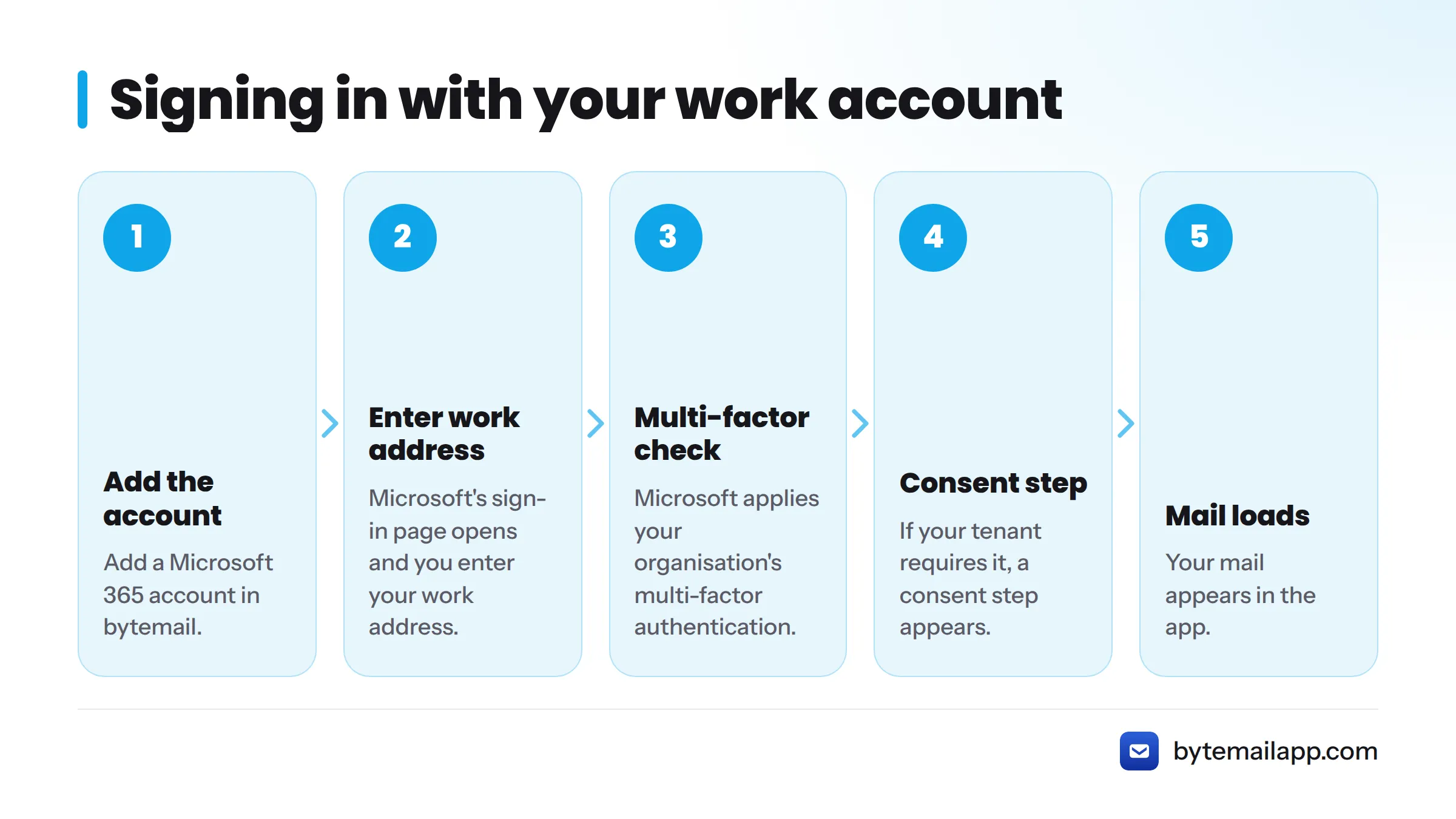
Here is the sequence:
- Add a Microsoft 365 account in bytemail.
- Microsoft's sign-in page opens, and you enter your work address.
- Microsoft applies your organisation's multi-factor authentication, exactly as it does elsewhere.
- If your tenant requires it, a consent step appears.
- Your mail loads.
Multi-factor authentication still applies. Microsoft runs it, so your company's rules stay in force.
Where your tokens live
bytemail stores sign-in tokens in the macOS Keychain, Apple's built-in secure store. It does not keep them in a bytemail account or cloud database.
What happens when your tenant requires admin consent
Microsoft defines admin consent as the approval an administrator gives so an app can access organisational data on behalf of users. Many tenants require it for any third-party mail app. Let's break down what you might see.
| What you see | What it means | What to do |
|---|---|---|
| Mail loads after sign-in | Your tenant allows the app | Nothing, you are set |
| A prompt to accept permissions | User consent is allowed | Review it and accept |
| "Need admin approval" message | Your tenant requires an administrator to approve | Send an approval request to your tenant administrator |
| Access blocked outright | Your organisation does not allow the app | Use an approved client, or ask IT about their policy |
The consent prompt
The prompt lists what the app asks to do, such as read and send mail. You decide whether to accept.
When access is blocked
bytemail cannot bypass tenant restrictions, and it does not try. If your organisation says no, that decision stands.
What to ask your tenant administrator
Keep the request short: "I would like to use bytemail, a Mac email app, with my work mailbox. Can you review it for approval?" Your administrator handles the rest.
This page does not cover tenant configuration. For non-standard setups, look for a guide on adding an Exchange account to your Mac, and see the IMAP client page for other server types.
Ready to try it with your work account? Join the waitlist from the bytemail home page, and see pricing for plans.
Direct connection to Microsoft with no relay
Your Mac talks to Microsoft. No bytemail server sits in the middle, so bytemail never holds a copy of your work mail. That makes it a direct Exchange Online Mac client: your Mac, then Microsoft 365, and nothing between them.
You can check the claim yourself, because bytemail publishes the network connections the app makes. The privacy page explains how bytemail keeps mail private, and the changelog tracks Microsoft 365 support as it ships.
What a native Mac client changes for work mail
A native app is written for macOS instead of wrapped around a web page. For a work email native Mac app like bytemail, that means:
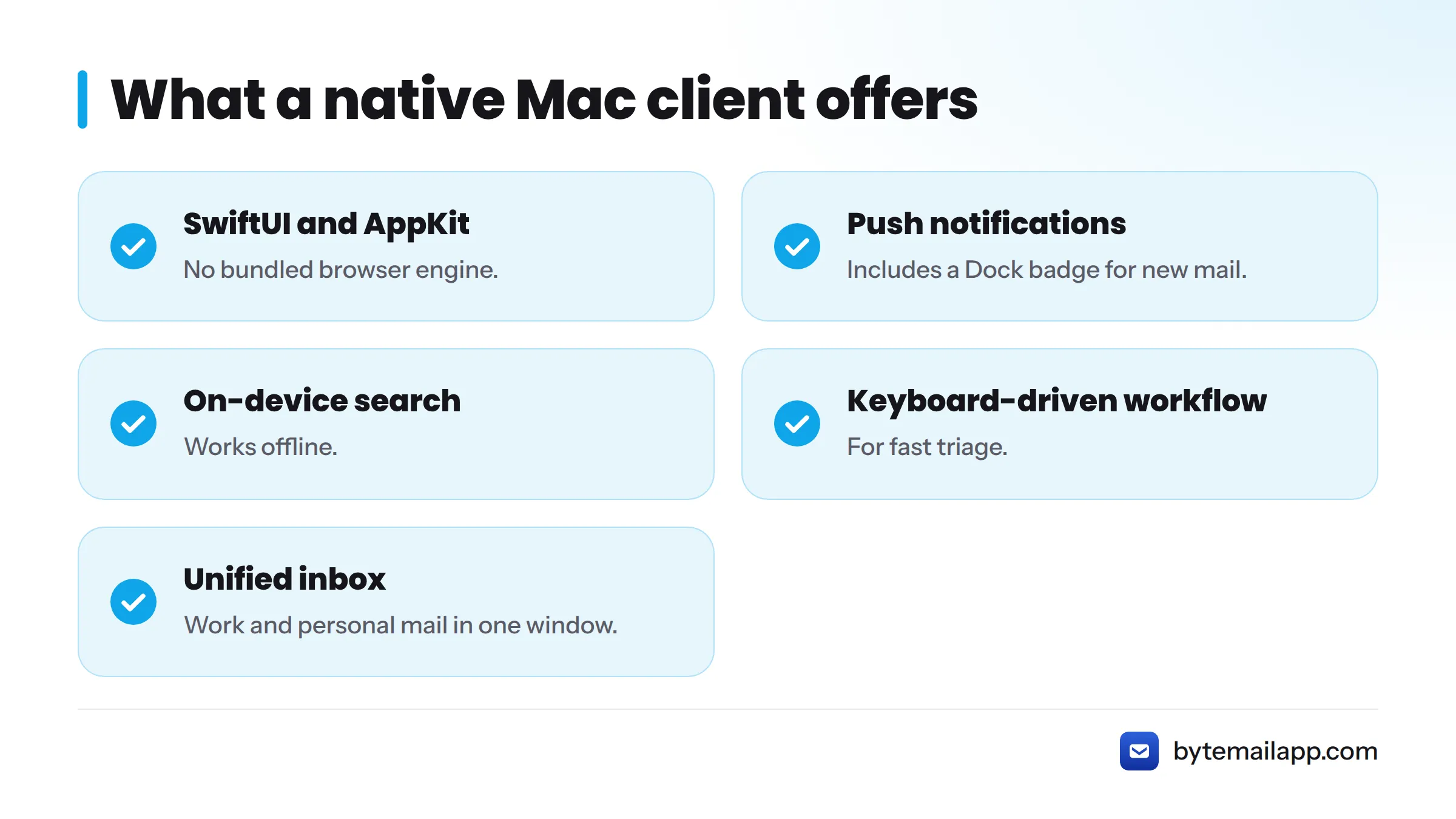
- A SwiftUI and AppKit interface with no bundled browser engine. Read more about what makes an app truly native.
- Push notifications and a Dock badge for new mail.
- On-device search that works offline.
- A keyboard-driven workflow for fast triage.
- A unified inbox that puts work and personal mail in one window.
What this page does not cover
- Personal Outlook.com and Hotmail accounts: see the Outlook page.
- A step-by-step Exchange walkthrough.
- Tenant administration, such as policies and consent settings.
- Ranked alternatives, which live in the comparison section.
- Legal or compliance advice.
Frequently asked questions
Does bytemail work with Microsoft 365 email? Yes, through Microsoft's own sign-in, provided your organisation allows third-party apps.
What if my admin blocks third-party apps? Then bytemail cannot connect to that mailbox. Ask your tenant administrator whether they will review it, or use a client your organisation approves.
Does bytemail keep a copy of my work mail? No. Your Mac connects directly to Microsoft with no relay server.
Can I use it alongside a personal account? Yes. Add as many accounts as you like and read them together in one inbox. See multiple accounts on Mac.
Next steps: get your work mail into a native Mac app
If your tenant allows it, you can have your work mail in a fast native Mac email client within minutes. Join the waitlist on the bytemail home page, check pricing, or browse all supported mail providers.